For residential aged care
AI for residential aged care homes
A residential aged care home runs around the clock, but its office runs business hours and its nurses are busy with residents. AI can take the repeated admin around handover, family contact, admissions, rosters and reporting, so staff time goes back to the floor.
Reviewed 15 November 2026

In short
AI for residential aged care is most useful on the admin that surrounds care: family phone calls at handover and after hours, new enquiries for permanent and respite places, admissions paperwork, sick calls and agency fills, progress notes written at the end of a shift, incident reports that may fall under SIRS, and the figures behind care minutes and quarterly reporting.
AI answers, drafts, sorts and reminds. Registered nurses, care managers and the facility manager review and approve anything that affects a resident. It does not decide on care, medication, falls risk or whether an incident is reportable.
We usually suggest starting with one workflow, often after-hours family and enquiry calls or end-of-shift note drafts, measuring it against a baseline for a few weeks and then deciding what to add.
Where the admin time goes in an aged care home
In most homes the pressure points are predictable. The 7am and 3pm handovers are when families ring and when the nurse in charge can least answer. The facility manager and admissions officer field enquiries from families and hospital discharge planners while also chasing paperwork for residents already moving in. Sick calls arrive before dawn and someone has to work through a list of casual staff before ringing an agency. Care workers finish a shift and then have to write progress notes for every resident they looked after.
On top of that sits compliance work that has grown since the Aged Care Act 2024 started on 1 November 2025: incident management and SIRS notifications, feedback and complaints records, care minutes, and the Quarterly Financial Report, which for residential providers includes quarterly cost and hours reporting and food and nutrition reporting for each home.
- Family calls during handover, meal service and after the office closes
- Enquiries for permanent and respite places, often from hospitals with short timeframes
- Admissions paperwork, documents and follow-up with families
- Sick calls and agency fills between 5am and 7am
- Progress notes and handover summaries at the end of each shift
- Incident reports, SIRS timeframes and quarterly reporting
Handover, progress notes and documentation
Care workers and nurses can speak or type short notes during the shift, and an AI tool turns them into a structured draft progress note in the format your home uses. The staff member reads the draft, corrects it and approves it before it goes into the care record. The same notes can produce a handover summary for the incoming nurse in charge: residents with changes, outstanding tasks, family messages and appointments.
This works best when the home already has a clear progress note template and expectations about what each note should cover. AI does not observe residents and cannot add clinical facts that the staff member did not record. Its job is to save typing time and make notes more consistent, so they are useful for the next shift and for audits.
Writing drafts directly into your care management system is possible with some systems and is custom work quoted separately, depending on what the system's API allows. Where it is not possible, the approved note is copied in, which still saves most of the writing time.
Family calls and admissions enquiries
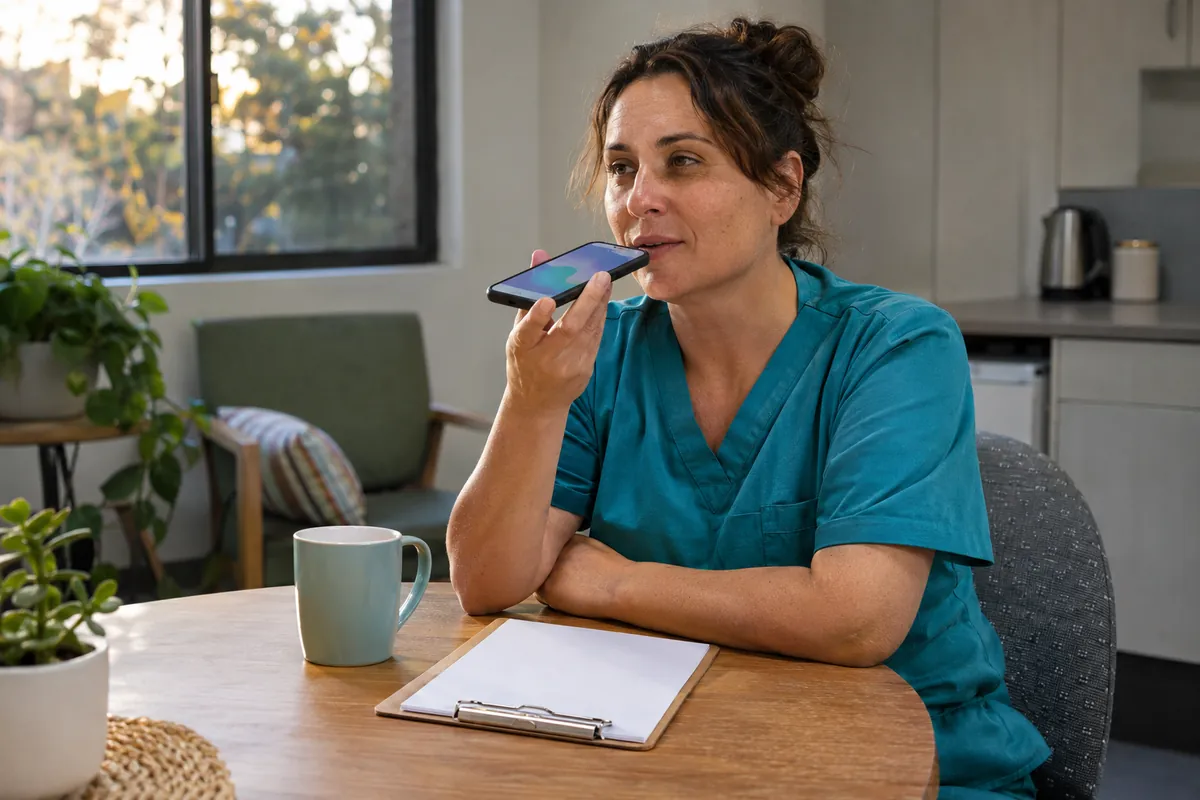
An AI phone agent can answer when reception is busy, at handover and after hours. It takes messages from families for the right staff member, answers approved questions such as visiting arrangements and parking, and passes anything urgent to the on-call registered nurse or manager. It never discusses a resident's condition with a caller.
New enquiries are where homes lose the most. A family looking for a place after a hospital stay often rings several homes on the same afternoon. The phone agent asks your admissions questions, such as who the care is for, whether they have been assessed, permanent or respite care, preferred timing and the hospital ward if relevant, and sends a summary to the admissions officer straight away. After that, the enquiry-to-admission workflow can send the information pack, remind the family about outstanding documents and keep the admissions pipeline current.
As an illustration, a 90-bed home that receives 12 new enquiries a week and misses a quarter of them after hours loses 3 enquiry calls a week, about 150 a year. If even one in twenty of those would have become an admission, that is around 7 residents a year who moved into another home. The missed enquiry calculator on this site lets you run your own numbers.
Talk through your service
A free 30-minute video call. We look at your call volumes, systems and where staff time goes, and tell you whether AI is the right next step. No resident information needed.
Rostering, sick calls and agency fills
Shift fill is one of the clearest uses of AI in residential aged care. When a care worker calls in sick, the system records the call, identifies the open shift and offers it by text to eligible staff in the order your rules set, for example part-timers wanting more hours first, then casuals, then agency. The first person to accept is confirmed, and the roster coordinator sees the result rather than spending the early morning on the phone.
Eligibility rules are yours: qualifications, current checks, overtime limits, fatigue rules and award conditions. The system applies them, and the coordinator can override any decision. Decisions on staffing levels and skill mix stay with the facility manager and clinical leaders.
Better shift fill also supports care minutes. Each home has its own care minutes targets, and as at November 2026 the sector-wide average is 215 minutes of care per resident per day, including 44 minutes from a registered nurse. Unfilled shifts are one of the main reasons a home falls short, so faster fills and fewer last-minute gaps help.

Incidents, SIRS and complaints
As at November 2026, under the Serious Incident Response Scheme, Priority 1 incidents must be notified to the Aged Care Quality and Safety Commission within 24 hours of the provider becoming aware, and Priority 2 incidents within 30 days. Homes need incident reports that are complete enough for a manager to decide quickly.
An AI incident tool prompts the reporting staff member for the details a manager will need: who, what, when, where, injuries, immediate actions and witnesses. It flags reports that may be reportable incidents and starts a visible timer for the manager. The manager decides whether it is reportable and what priority it is. AI does not make that decision and does not lodge notifications.
Feedback and complaints can be handled the same way: logged from every channel, acknowledged with an approved draft, assigned to a staff member and tracked so trends show up in governance reports.
Care minutes and quarterly reporting
Much of a home's reporting is built from the same sources each quarter: rosters and timesheets, payroll, occupancy and finance data. Reporting automation pulls those figures into the structure you report in, checks for gaps and unusual values, and gives the finance or quality officer a draft to review. Staff check numbers instead of copying them between spreadsheets.
Automation does not change what you are required to report or who signs it off. It reduces the manual handling, which is where most errors come from. A useful by-product is a monthly view of care minutes and agency use, so problems show up before the quarter ends.
What to measure, and what AI should not do
Pick measures that match the workflow you start with, and record a baseline before go-live:
- Calls answered by hour of day, and enquiries captured and converted to tours or admissions
- Time from a sick call to a confirmed replacement, and agency shifts used
- Progress notes completed by end of shift, and minutes spent writing them
- Incident reports with all required fields complete on first submission
- Hours spent preparing quarterly reports
| AI can | Staff decide |
|---|---|
| Draft a progress note from a worker's notes | Whether the note is accurate and complete |
| Flag an incident report that may be reportable | Whether it is reportable and its priority |
| Offer an open shift to eligible staff | Staffing levels and skill mix |
| Take a family message after hours | What information is shared with the family |
| Capture an admission enquiry | Whether a place is offered |
How it works in practice
- 1
Choose one workflow
Usually after-hours calls, end-of-shift notes or sick-call shift fills, with a baseline measured first.
- 2
Scope, build and test
A written scope and quote, then a build tested by your nurses, care workers and coordinators.
- 3
Go live and review
Start on one shift, wing or call type, review after the first weeks and decide what comes next.
Common questions
How is AI used in residential aged care?
Mostly for admin: answering and routing calls, capturing enquiries, drafting progress notes and handover summaries, filling shifts, prompting complete incident reports and preparing reporting data. Qualified staff review and approve anything that affects residents.
Can AI write progress notes in aged care?
AI can turn a care worker's spoken or typed notes into a structured draft. The staff member must read, correct and approve it before it goes into the care record. AI cannot add observations the staff member did not make.
Can AI help with care minutes?
Indirectly. Faster shift fills reduce gaps that lower care minutes, and reporting automation gives managers an earlier view of minutes delivered against the home's targets. AI does not decide staffing levels.
How can AI help a residential home with SIRS reporting?
It prompts staff for complete incident details, flags reports that may be reportable and tracks the notification deadline. A manager at the home decides whether the incident is reportable, its priority and what is notified to the Commission.
Will AI phone answering upset families?
It is set up to be upfront: callers are told they are speaking with an automated assistant and can ask for a person at any time. Most families mainly want their call answered and a message passed on reliably.
Does it work with our care management system?
Connections to care management systems are custom work quoted per job, depending on what each system's API allows. Where a direct connection is not possible, outputs go to inboxes or are copied in after approval.
Sources and further reading
- Care minutes in residential aged care (Department of Health, Disability and Ageing)
- About reportable incidents (SIRS) (Aged Care Quality and Safety Commission)
- Quarterly Financial Report (Department of Health, Disability and Ageing)
- New Aged Care Act (Department of Health, Disability and Ageing)
Related pages
AI Progress Notes for Aged Care
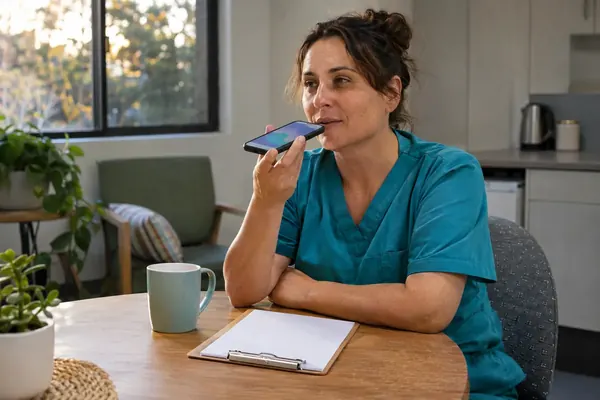
Progress notes are often written at the end of a long shift, from memory, by a tired care worker. AI drafting lets the worker speak or type what happened in their own words and get back a clear, objective draft to check, correct and approve.

Rostering and Shift Fill
A care worker calls in sick before an early shift. Someone has to log it, find a replacement and keep the floor covered, usually the RN in charge who is also starting the medication round. AI takes the sick call, messages the eligible casuals and tells the roster coordinator who has accepted.

Incident Management and SIRS
When an incident happens, the details are freshest in the first hour and the reporting clock may already be running. AI tools can help staff capture what happened straight away, keep the paperwork moving and remind the right people before a deadline, while your managers make every reporting decision.
Care Minutes and AI
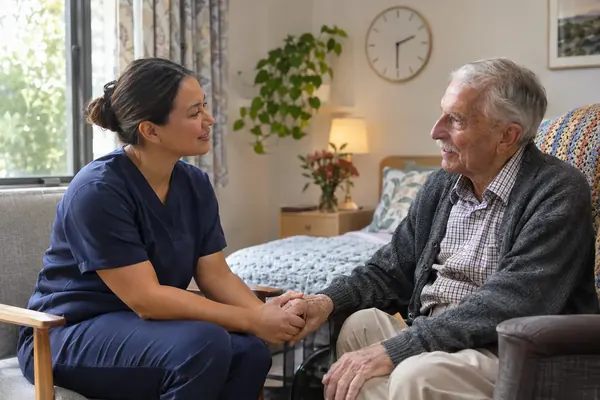
Care minutes measure direct care time with residents. AI cannot add a single minute to that count. What it can do is take paperwork off nurses and care workers, so more of the hours you already roster are spent with residents.
Talk it through with us
A free 30-minute video call about where admin time goes in your service and which task is worth automating first. No obligation, and no resident information needed.