Phones and enquiries
AI phone answering for aged care providers
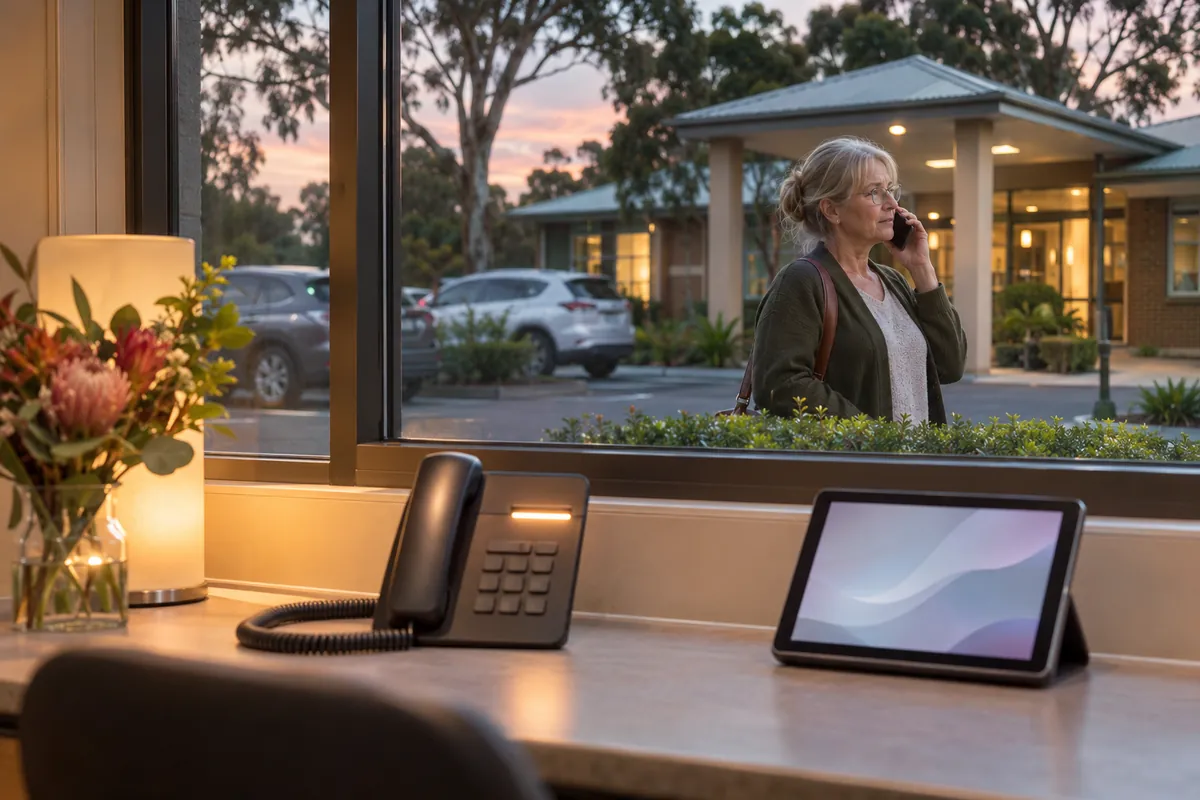
Families, prospective residents, hospitals and agencies all ring the same number, often at handover or after the office closes. An AI phone agent answers the calls your staff cannot get to, deals with the routine ones and puts the urgent ones through to a person.
Reviewed 15 November 2026
In short
AI phone answering for aged care means an AI voice agent picks up calls your staff cannot get to, in plain conversational English (and other languages if you need them), around the clock.
It takes messages from families, answers questions you have approved such as visiting hours and parking, captures new enquiries for residential places or home care with the details your intake team needs, and passes anything urgent straight to the nurse or manager on call. It does not give clinical advice, quote fees or make care decisions.
Every call ends up as a short written summary in the right inbox or system, so nothing depends on someone remembering a voicemail. We usually suggest starting with after-hours and overflow calls, then deciding whether to extend it to business hours.
Why aged care phones are hard to staff
An aged care home gets calls from more kinds of people than most businesses: families checking on a parent, people asking about a place for a relative who is about to leave hospital, hospital discharge planners, GPs and pharmacies, agency staff confirming shifts, contractors, and residents' friends. Many of these calls arrive at the worst times for a small administration team, such as the 7am and 3pm handovers, meal service, or after the office closes at 5pm.
In home care, the coordinator who answers the phone is usually the same person rescheduling visits when a care worker calls in sick. A ringing phone at 7.30am competes with finding cover for a client who needs help showering at 8am.
The result is familiar to most managers: calls ring out, voicemails pile up, families feel ignored, and a new enquiry that rang three providers goes to whoever answered first. Each of these has a cost, but the lost enquiry is usually the most expensive one.
- Family calls about a resident or client, often after hours
- New enquiries for residential places, respite or Support at Home services
- Hospital, GP and pharmacy calls that need to reach the right clinician
- Agency and staff calls about shifts, lateness and sick leave
- Supplier and contractor calls that only need a message taken
What the AI phone agent handles
The agent works from a script and a knowledge base that you approve. It answers the questions you have signed off, collects details in a fixed format and follows your routing rules. It does not improvise on care matters.
For a new enquiry it asks the questions your intake or admissions team would ask: who the care is for, where they live, whether they have an aged care assessment, the type of care being looked at (permanent residential, respite, Support at Home), timing and the best contact details. The summary lands with the person who follows up, and the caller is told when to expect a call back.
For a family call it takes a clear message for the right person, confirms the resident's name and the caller's relationship, and tells the caller what happens next. If you allow it, it can also answer general questions such as visiting arrangements, how to send mail or parcels, and how to give feedback.
| Call type | What the AI does | Who acts on it |
|---|---|---|
| New enquiry for a place or home care | Asks your intake questions, records answers, confirms call-back timing | Admissions or intake officer, next business morning or sooner |
| Family member wanting an update | Takes a message, confirms relationship and best number | Nurse in charge or care manager, as your policy says |
| Possible emergency or distress | Tells the caller to call 000 straight away if anyone's life is at risk; otherwise transfers them to the on-call person | On-call registered nurse or manager, immediately |
| Hospital, GP or pharmacy | Transfers during set hours, otherwise takes a detailed message | Clinical lead or RN on shift |
| Agency shift or sick call | Records name, shift and reason, sends to the roster inbox | Roster coordinator |
| General question (parking, visiting, mail) | Answers from approved information only | No action needed |
Urgent calls go to a person, every time
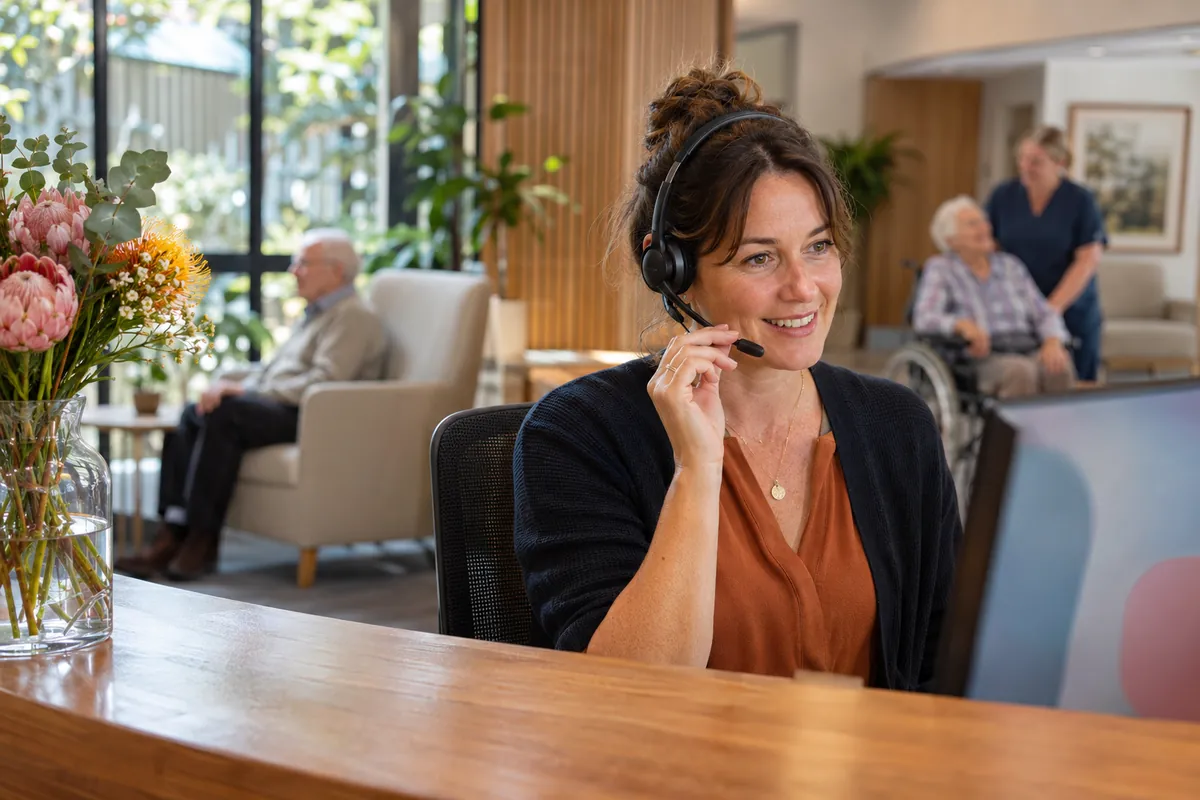
The first thing we set up with any provider is the escalation list: which words and situations count as urgent, who is on call at each time of day, and what happens if that person does not answer. A caller who reports a fall, chest pain, a resident who has left the building or a serious complaint is not kept talking to an AI. They are told plainly what to do and transferred.
Escalation rules are tested with staff before go-live using scripted test calls, and they are reviewed after the first few weeks using real call summaries. If a type of call was handled the wrong way, the rule is changed. The agent is also told to transfer whenever a caller asks for a person.
Check whether this fits your service
A free 30-minute video call. We look at your call volumes, systems and where staff time goes, and tell you whether this is the right first step. No resident information needed.
Privacy and what callers are told
Calls about residents and clients involve health information, which the Privacy Act treats as sensitive information. The agent is configured so it does not disclose anything about a resident's care, condition or whereabouts to a caller. It takes messages and passes them to staff, who check the caller's authority before sharing anything.
Callers are told at the start of the call that they are speaking with an automated assistant for the service. If you choose to record calls or keep transcripts, that is a configured option, the greeting says so, and the retention period is set to match your records policy. Call data is stored in Australian-region hosting where the underlying services allow it, and we document where each part of the data goes so your privacy officer can check it.
Where the summaries go
A phone agent is only useful if the follow-up happens. Each call produces a short written summary: who called, why, what they were told and what action is needed. By default these go to shared inboxes or a Teams or Slack channel per call type, so admissions, rostering and the care team each see only their own calls.
Writing summaries directly into your care management, CRM or rostering system is possible for many systems, but it is custom work quoted separately, because it depends on what each system's API allows. We check this during the free assessment.

What to measure in the first three months
Before go-live, pull a month of call data from your phone system: total calls, calls answered, calls abandoned and voicemails left, broken down by hour. That baseline is what the AI is measured against.
After go-live, track four numbers each month. First, the share of calls answered (by a person or the AI). Second, new enquiries captured and how many became a tour, assessment or admission. Third, the number of urgent calls and whether each reached a person within your target time. Fourth, how many staff hours were freed from the phones, estimated from call counts and average handling time.
- Answered call rate, by hour of day
- New enquiries captured, and conversion to tour or admission
- Urgent calls transferred, and time to reach a person
- Staff phone time freed, estimated from call volume
What it does not do
The agent does not give medical or clinical advice, discuss a resident's condition, quote fees or accommodation prices, accept or decline an admission, or promise a place. It does not replace the human conversation a family has with a care manager about a move into care. Its job is to make sure the call is answered, the right details are captured and the right person follows up quickly.
If you already have a reliable receptionist during business hours, the most common setup is after-hours and overflow only: the AI answers when reception is busy, at handover and overnight, and staff keep the daytime calls.
How it works in practice
- 1
Scripts and escalation rules
Your managers approve the greeting, the answers the agent may give, the intake questions and the on-call list. Nothing goes live without sign-off.
- 2
Test calls with staff
Staff ring the agent with real scenarios, including emergencies and difficult family calls, and we adjust until the handling is right.
- 3
Go live on overflow and after hours
Calls divert to the agent when reception is busy or closed. Summaries go to the agreed inboxes from day one.
- 4
Review after four weeks
We go through call summaries with you, fix any misrouted call types and decide whether to extend the hours.
Common questions
Can an AI answer the phone for an aged care home after hours?
Yes. An AI voice agent can answer every after-hours call, take detailed messages from families, capture new enquiries and transfer urgent calls to the on-call nurse or manager. It is set up with your own escalation rules and does not give clinical advice.
Will families know they are talking to an AI?
Yes. The greeting says the caller is speaking with an automated assistant for your service, and the caller can ask for a person at any time. Being upfront avoids complaints and is consistent with privacy and consumer law expectations.
What happens if a caller reports an emergency?
If someone's life may be at risk, the agent tells the caller to call 000 now. For other urgent calls it transfers straight to your on-call person, and if that person does not answer, it follows the backup list you set. These rules are tested before go-live.
Can it handle calls in languages other than English?
Yes, it can be configured to answer in other languages, which helps with families from culturally and linguistically diverse backgrounds. Summaries are written in English for staff. For complex care conversations, use a qualified interpreter, which TIS National provides.
Does it work with our existing phone number?
Yes. Your existing number stays the same. Calls are diverted to the agent on rules you choose, for example after 5pm, on weekends, or when reception does not answer within a set number of rings.
Is call recording required?
No. Recording and transcripts are an option you can switch on if your policies allow it. If you use them, callers are told in the greeting, and recordings are kept only as long as your records policy says.
Sources and further reading
- Australian Privacy Principles (Office of the Australian Information Commissioner)
- Health information and medical research (sensitive information) (Office of the Australian Information Commissioner)
- TIS National: free interpreting for aged care providers (Department of Home Affairs)
Related pages

Enquiry to Admission
A family looking for a place usually calls several homes in the same week, often while a parent is in hospital. The home that answers, follows up and keeps the paperwork moving is the one most likely to admit them. AI handles the follow-up so your admissions staff can concentrate on the family.

Family Communication
Families want to hear how their mother or father is going without having to chase. Care staff want to give them that, but a phone call to every family every week is not possible on a busy floor. AI drafts the updates and handles the routine questions, and staff approve every word that goes out.
AI vs Answering Service
Most aged care providers already divert some calls somewhere after 5pm. This page compares a human answering service, an AI phone agent and a mix of the two, so you can pick the one that fits your call pattern and your on-call arrangements.

Multilingual Communication
Many residents, clients and families speak a language other than English at home, and some older people return to their first language as dementia progresses. AI translation and a multilingual phone agent can handle routine messages in their language, while qualified interpreters stay in place for the conversations that matter most.
Talk it through with us
A free 30-minute video call about where admin time goes in your service and which task is worth automating first. No obligation, and no resident information needed.